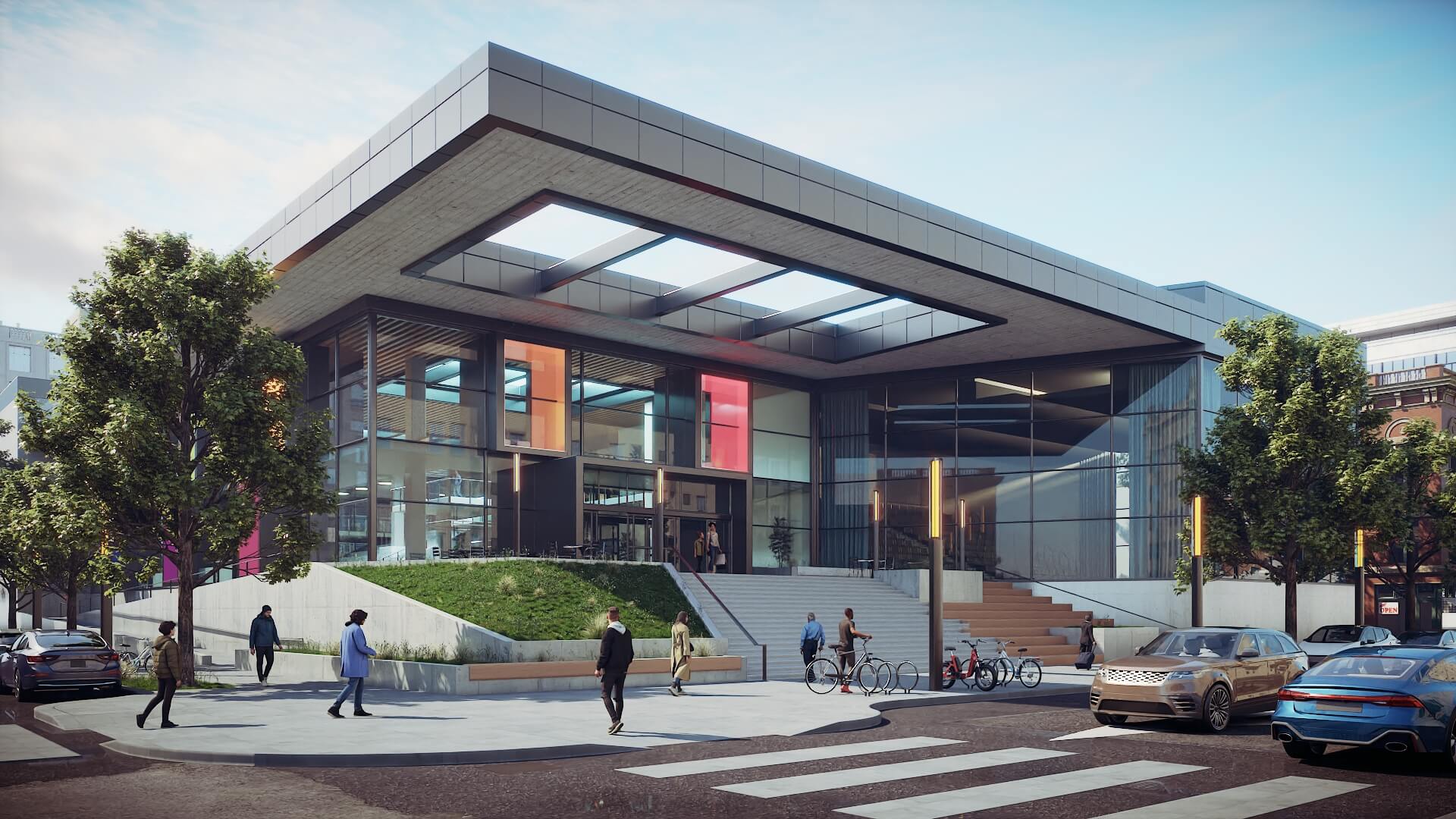
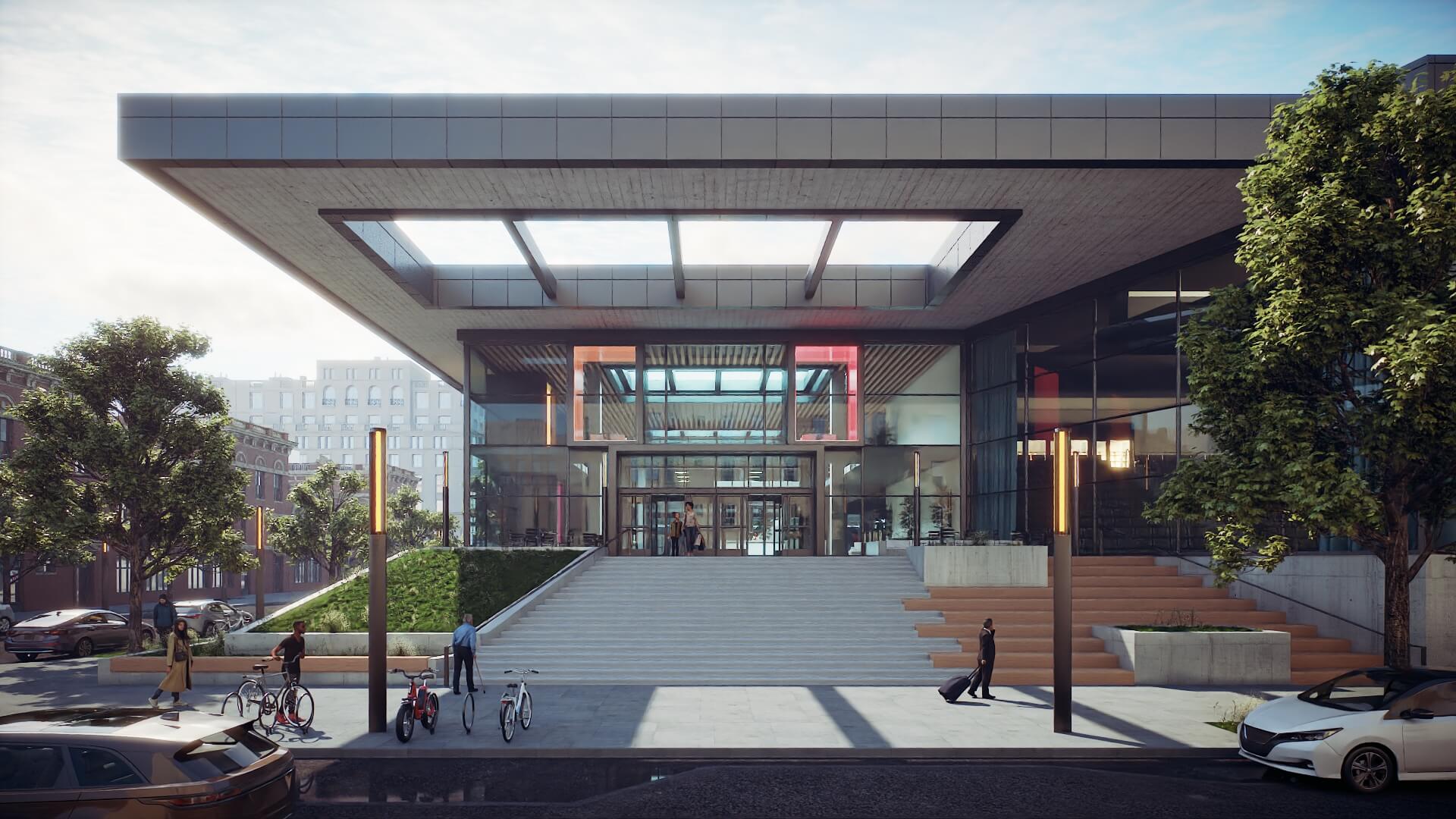
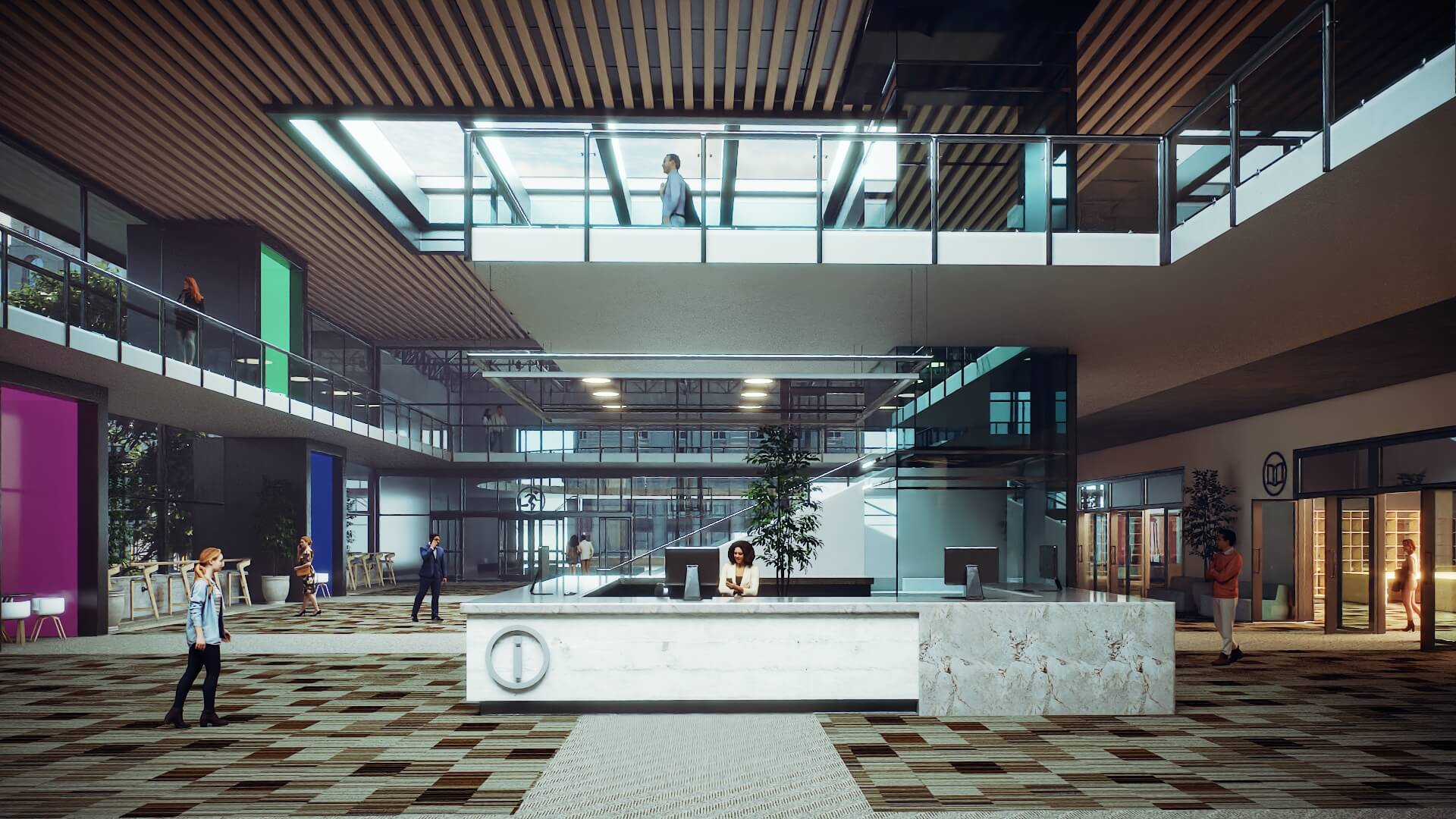
SketchUp Studio 2026 is Trimble’s most comprehensive single-user subscription, designed for professionals who need advanced visualisation and BIM integration built directly into their SketchUp workflow. Studio bundles SketchUp Pro with three high-value specialist tools — V-Ray for SketchUp, Trimble Scan Essentials, and the Revit Importer — eliminating the need to purchase and manage separate licences.
For Windows-based firms working across architecture, interior design, construction or surveying, Studio provides a cost-effective all-in-one platform. Purchasing SketchUp Pro and V-Ray separately costs more than a Studio subscription annually — and Studio adds Scan Essentials and Revit Importer at no additional charge.
Industry-leading photorealistic renderer with GPU and CPU support, global illumination, atmospheric effects, real-life materials and Chaos Cloud rendering credits
Import, visualise and model directly on point cloud data from laser scanners, drones, photogrammetry and LiDAR sensors
Import .rvt files from Revit 2015 through 2026 directly into SketchUp, with Revit families, layers and materials translating cleanly to SketchUp components, tags and groups
Offload heavy renders to the cloud and free up your local workstation
Produce cinematic walkthroughs and immersive VR-ready output directly from V-Ray
20 GB Trimble Connect Business cloud storage
V-Ray is the world’s most widely used professional rendering engine, trusted by architects and visualisation studios for its ability to produce photorealistic imagery without leaving the SketchUp environment.
In SketchUp Studio 2026, V-Ray 7 includes new photography-style exposure controls with Whites, Blacks, Highlights and Shadows sliders for precise tonal refinement. The V-Ray Eyedropper tool allows colour sampling from any on-screen source — including reference images and web pages. Gaussian splat clipping allows you to trim 3D splat data directly in SketchUp for seamless model integration.
V-Ray Vision provides real-time interactive preview so you can evaluate lighting and material choices before committing to a full production render.
The Revit Importer preserves the structure of your Revit model through the translation process — Revit families become SketchUp components, Revit layers become SketchUp tags, and material colours and transparencies are respected. The result is a lightweight, clean SketchUp model that is ready for design iteration, client presentation or LayOut documentation — without days of manual clean-up. File sizes are dramatically reduced compared to other translation methods. Rooms and Spaces in Revit are imported as SketchUp components, supporting space planning and coordination workflows.
Scan Essentials receives two major new tools in the 2026 release. Texture Projection allows you to extract image textures from RGB point cloud data and project them directly onto SketchUp geometry. The projected textures become reusable SketchUp materials.
The Surface Mesh tool generates SketchUp geometry automatically from point cloud data, making it far faster to reconstruct facades, terrain and as-built conditions. A new Scene Manager gives you granular control over point cloud visibility in both SketchUp and LayOut, and Reset Transformations returns all point cloud data to its original georeferenced coordinate system for clean downstream export.
Supported point cloud formats include E57, RWP, LAS, LAZ, TZF and PLY — covering all major terrestrial scanner, drone and mobile mapping outputs.
We use cookies to improve your experience on our site. By using our site, you consent to cookies.
Manage your cookie preferences below:
Essential cookies enable basic functions and are necessary for the proper function of the website.