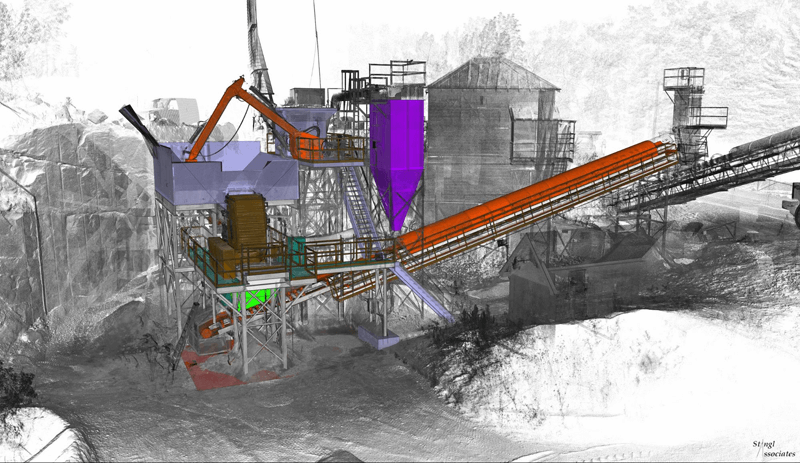
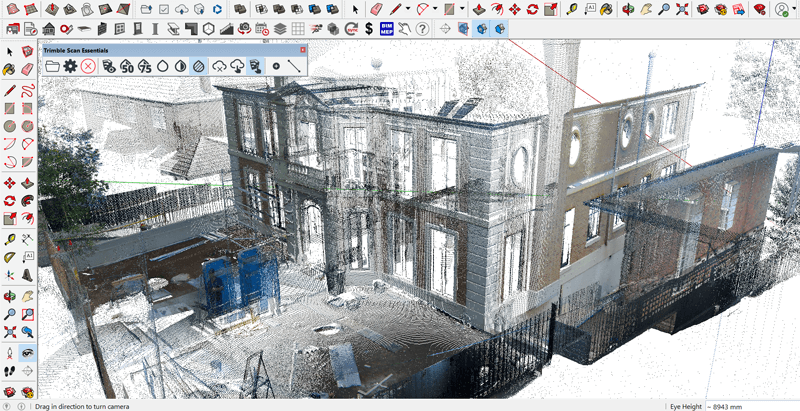
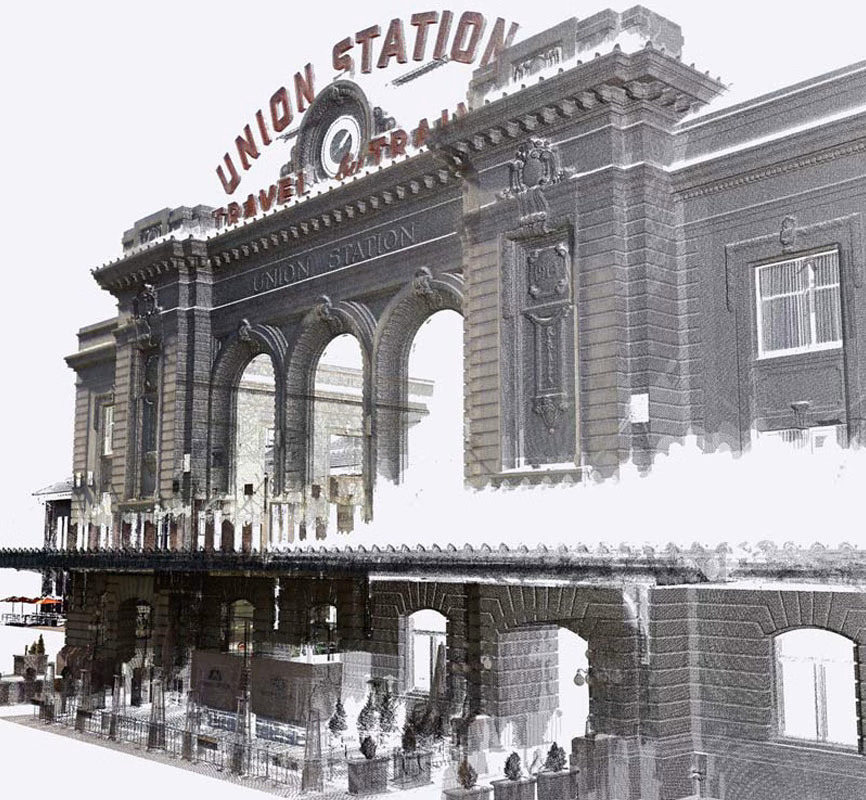
SketchUp Pro Scan 2026 is a focused subscription bundle that pairs the full SketchUp Pro platform with Trimble Scan Essentials — the official point cloud extension for SketchUp. It is designed specifically for surveyors, construction professionals, heritage specialists and site engineers who work with laser scan data as a core part of their workflow, and who need a straightforward, purpose-built solution without additional tools they will not use.
Pro Scan is available on both Windows and Mac for the SketchUp Pro components, with Scan Essentials available on Windows. It provides everything needed to go from raw scan data to a completed, documented 3D model — with accuracy, speed and significantly fewer site revisits.
Import, visualise, clip and model directly on point cloud data within SketchUp
Extract surface textures from RGB point cloud data and apply them to SketchUp geometry as reusable materials
Automatically generate SketchUp geometry from point cloud data for rapid as-built reconstruction
Control point cloud visibility across SketchUp and LayOut scenes
Revert point cloud data to original georeferenced coordinates for accurate downstream export
All major terrestrial, drone and mobile scanner outputs
Pull point cloud data into 2D space to add annotations, dimensions and documentation
Unified Windows interface, Extend, Trim, Fillet and Chamfer tools
Full CAD and BIM file exchange
Monthly credits included across the SketchUp AI suite
SketchUp Pro Scan creates a complete end-to-end pipeline from field capture to delivered documentation. Capture point cloud data on-site using a compatible terrestrial laser scanner, drone or mobile mapping system. Import the data directly into SketchUp via Scan Essentials — no intermediate software required. Use SketchUp’s native snap, draw and measurement tools directly on the point cloud to trace walls, floors, columns, roof lines and any other as-built element with precision. The new Surface Mesh tool in 2026 automates the extraction of geometry from the point cloud, dramatically reducing manual tracing time for complex facades and irregular terrain.
Use Texture Projection to apply realistic surface textures from the RGB scan data to your geometry. Transfer the completed 3D model into LayOut to produce accurate 2D documentation — floor plans, sections, elevations and annotated record drawings — ready for client delivery, planning submissions or heritage archives.
Both Pro Scan and Studio include Scan Essentials. The key difference is that Studio also bundles V-Ray for photorealistic rendering and the Revit Importer for BIM file exchange. If your workflow is primarily scan-to-model and documentation, without a need for photorealistic output or Revit coordination, Pro Scan is the more cost-effective and purpose-fit choice.
If your practice also requires high-quality rendered presentations or regular Revit file exchange, Studio provides better overall value.
We use cookies to improve your experience on our site. By using our site, you consent to cookies.
Manage your cookie preferences below:
Essential cookies enable basic functions and are necessary for the proper function of the website.