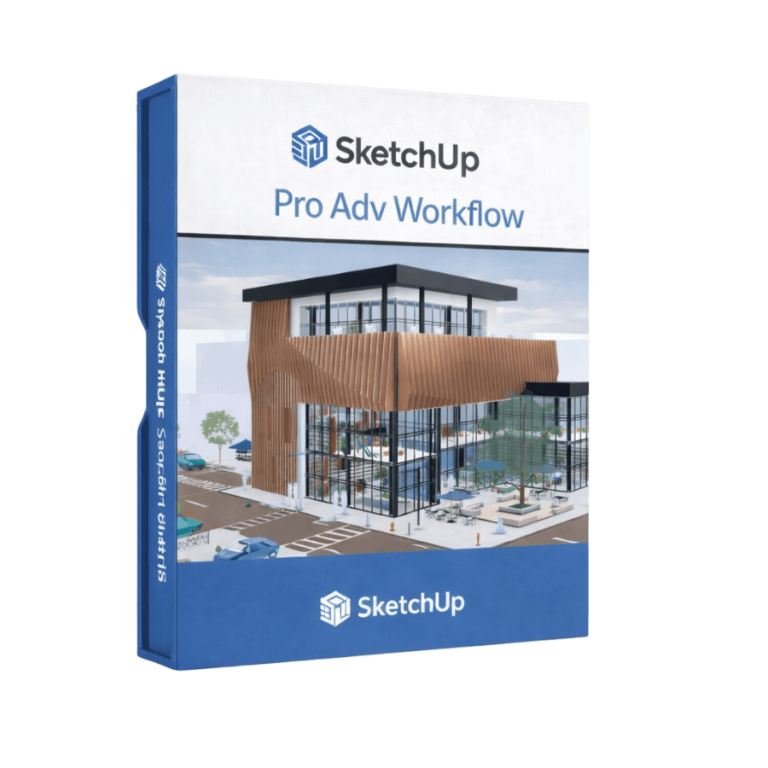
SketchUp Pro Advanced Workflows is a specialist subscription tier introduced by Trimble to address a specific gap in the product range: professionals who need Revit interoperability and point cloud capability, but who do not require V-Ray photorealistic rendering. It combines the full SketchUp Pro toolkit with the Revit Importer and Trimble Scan Essentials — giving BIM coordinators, construction technologists and surveyors exactly the tools they need, at a more accessible price point than Studio.
If your firm already uses a preferred rendering solution — Enscape, Lumion or another engine — and you simply need to work more efficiently with Revit files and scan data inside SketchUp, Advanced Workflows is the logical choice.
Import .rvt files directly into SketchUp with clean component, tag and material translation
Import, view and model on point cloud data from all major scanner and drone formats
Texture Projection, Surface Mesh tool, Scene Manager and Reset Transformations
Unified Windows interface, Extend, Trim, Fillet and Chamfer drafting tools
Tag-to-layer export, hatch support, unified IFC 2×3 / IFC 4 workflow
Real-time collaboration and in-model commenting via the 2026 Collaboration Bar
Monthly credits for AI Render, Generate Object and Generate Textures
Trimble Connect cloud storage for project sharing and coordination
The Revit Importer in Advanced Workflows is identical to the one included in Studio. Import Revit files from version 2015 through 2026, with Revit families translating to SketchUp components, Revit layers to SketchUp tags, and Rooms and Spaces importing as usable SketchUp components. Material colours and transparencies are preserved, resulting in clean, lightweight models that require minimal rework.
The Revit Importer has been widely praised for dramatically reducing model translation time — from days of manual clean-up to a matter of hours, even on complex multi-disciplinary models.
The only capability that Advanced Workflows does not include, compared to Studio, is V-Ray for SketchUp and the associated Chaos Cloud render credits.
If your visualisation needs are met by another rendering solution, or if client-ready photorealistic output is not a core requirement of your practice, Advanced Workflows delivers the interoperability and scan workflow tools at a lower annual cost. It is not available on macOS.
Advanced Workflows includes the full Scan Essentials extension with all 2026 enhancements. Import point clouds from terrestrial laser scanners, drones, photogrammetry rigs and mobile mapping systems. Draw and snap directly onto point cloud data using SketchUp’s native tools. The new Texture Projection feature extracts realistic surface textures from RGB scan data and applies them to your model geometry. The Surface Mesh tool generates SketchUp geometry from point cloud data automatically — ideal for reconstructing facades, roofs and site terrain without manual tracing. Take accurate 3D measurements without returning to site, document as-built conditions in LayOut, and compare scan data against your design model to verify accuracy.
We use cookies to improve your experience on our site. By using our site, you consent to cookies.
Manage your cookie preferences below:
Essential cookies enable basic functions and are necessary for the proper function of the website.