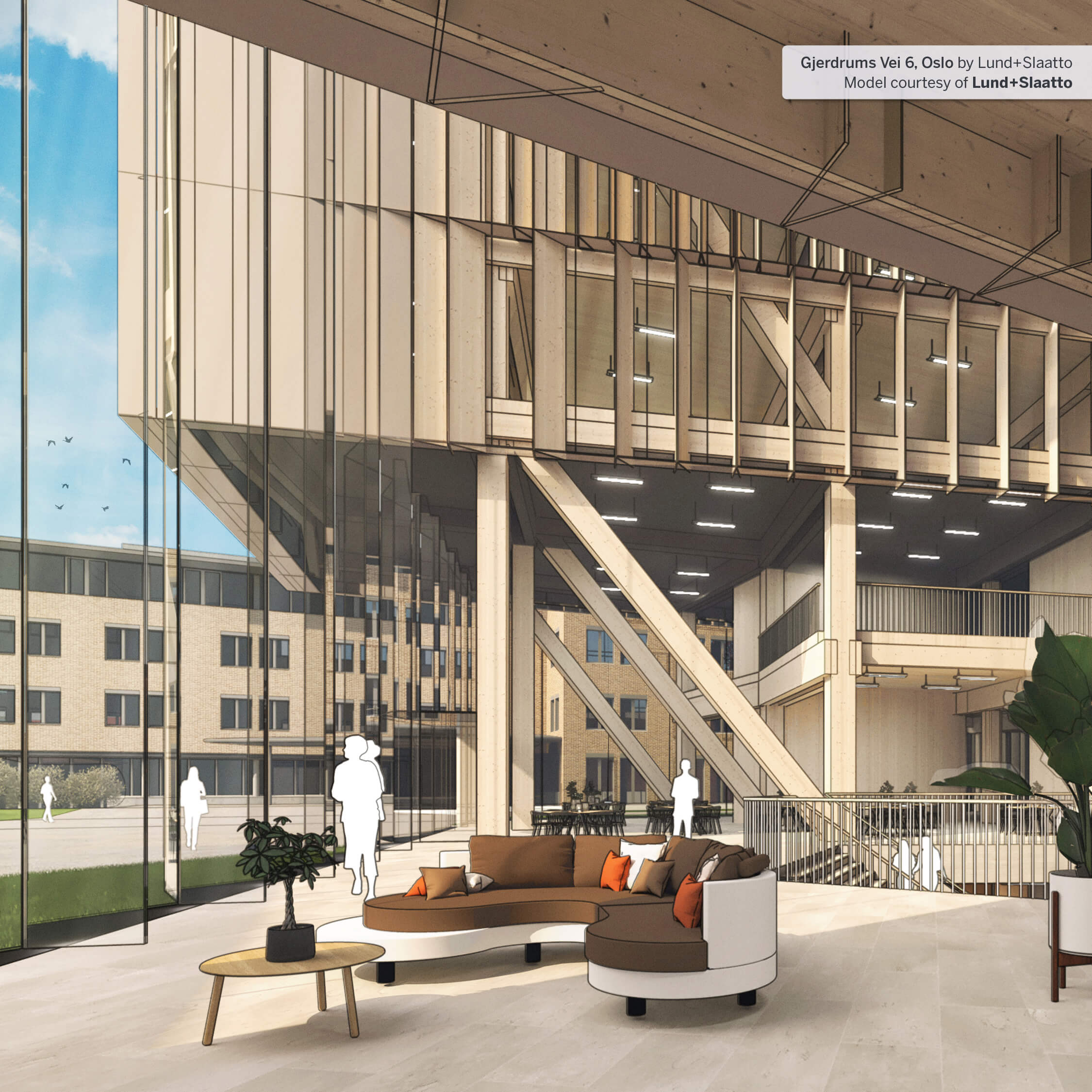
SketchUp Pro 2026 is the industry-standard subscription for design professionals. It combines a powerful desktop 3D modeller with LayOut — SketchUp’s dedicated 2D documentation tool — giving you a complete workflow from concept through to client-ready drawings and construction documentation. Everything a professional design practice needs is built in: desktop modelling, CAD/BIM interoperability, an ecosystem of over 1 000 extensions, and now a fully integrated collaboration suite.
The 2026 release marks a significant step forward for Pro users, with a modernised LayOut interface on Windows, four new drafting tools, improved DWG compatibility, and a new in-model feedback system that replaces scattered emails and screenshots with threaded 3D comments.
Full-featured Windows and Mac desktop modeller for complex, precise 3D work
Create construction drawings, presentation sheets, and 2D documentation directly from your SketchUp model
Design custom visual styles for non-photorealistic, hand-drawn or diagrammatic presentations
Web-based climate and site analysis tool for early-stage design decisions
Access the Extension Warehouse to tailor SketchUp to your specific workflow
Full compatibility with AutoCAD and other CAD environments
Unified BIM export workflow for coordination with Revit, ArchiCAD and other BIM platforms
Create watertight geometry for fabrication, 3D printing and CNC output
10 GB Trimble Connect Business cloud storage
Monthly credits for AI Render, Generate Object and Generate Textures
Present models in immersive mixed reality on compatible headsets
Pro users receive the most meaningful update to LayOut in years. On Windows, LayOut now shares the same interface framework as SketchUp — unified iconography, customisable toolbars, and dockable panel configurations make switching between 3D and 2D seamless. Four new drafting tools — Extend, Trim, Fillet and Chamfer — are now standalone LayOut tools, making accurate linework and architectural detailing significantly faster.
DWG workflows have been overhauled: SketchUp Tags now translate directly to named DWG layers on export, and hatch patterns and section planes are now preserved through the import/export cycle. IFC export has been consolidated into a single unified workflow supporting both IFC 2×3 and IFC 4 with expanded options.
The new Collaboration Bar enables real-time model sharing with clients and consultants via a secure link. Stakeholders can navigate the model, measure, comment and see live updates — no software installation required on their side. Comments appear threaded directly against the 3D geometry, with support for images, camera views and emoji reactions.
Performance improvements in 2026 reduce memory usage significantly, with faster model loading, lower overhead for large component sets, and improved graphics efficiency on Windows. Live Components gain new scale grip functionality and support for custom material painting beyond predefined options.
We use cookies to improve your experience on our site. By using our site, you consent to cookies.
Manage your cookie preferences below:
Essential cookies enable basic functions and are necessary for the proper function of the website.